

blog
Office 365 – onmicrosoft.com address missing from user synchronized from Active Directory

Onmicrosoft.com address is standard email address used by Office 365. While usually Clients tend to use their own domains onmicrosoft.com has it's specific use cases such as hybrid scenarios or migrations. One of our Clients had migration done recently where old Exchange was still functioning for remaining customers. Our Client wanted to make sure that all Clients from on-premise Exchange can still deliver emails to Exchange Online. To make sure it works properly old mailboxes on Exchange On-Premise had their target address set to name@tenant.onmicrosoft.com.
❗ Problem Description
Unfortunately for some reason one of the users had their onmicrosoft.com missing which caused bounced emails for him. Normally if user is missing their alias you set it as ProxyAddresses within AD and wait for sync.
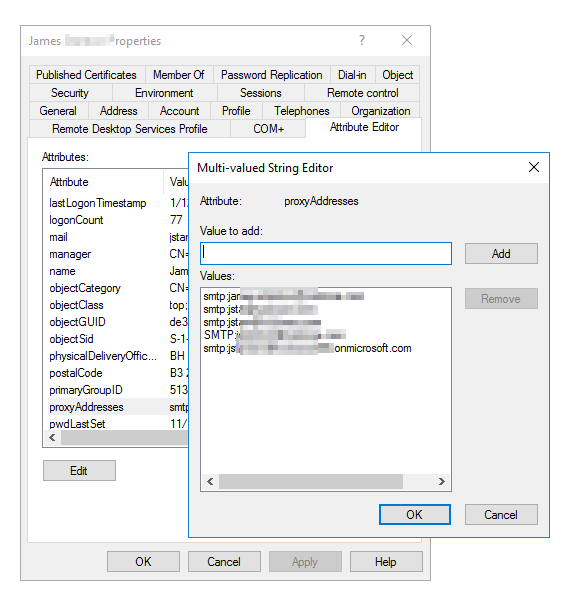
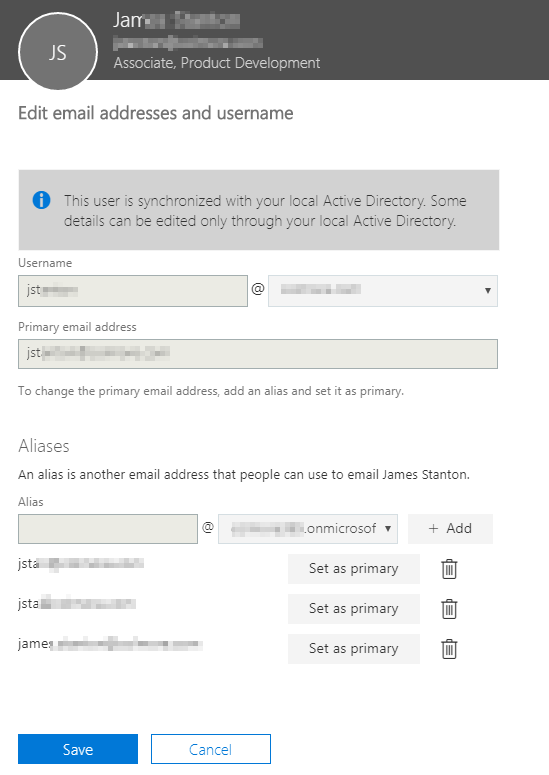
While this works without any problem for standard domains that are authenticated in Office 365, it won't work for onmicrosoft.com email addresses. You can add it as much as you want and it won't change a thing… and doing it manually is no option:

✅ Solution
To fix this problem one has to do following steps:
Move user outside the scope of **AD Sync **(hopefully you don't have full AD synchronized – in my case it was CN=Users, DC=DOMAIN,DC=COM)
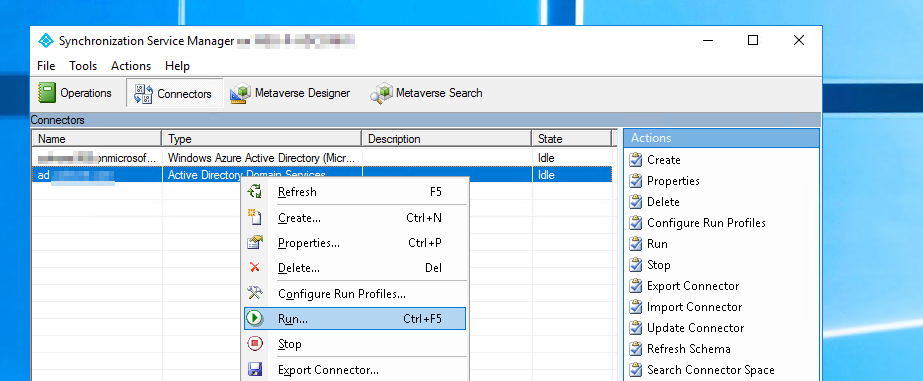
Force synchronization (Delta or Initial)
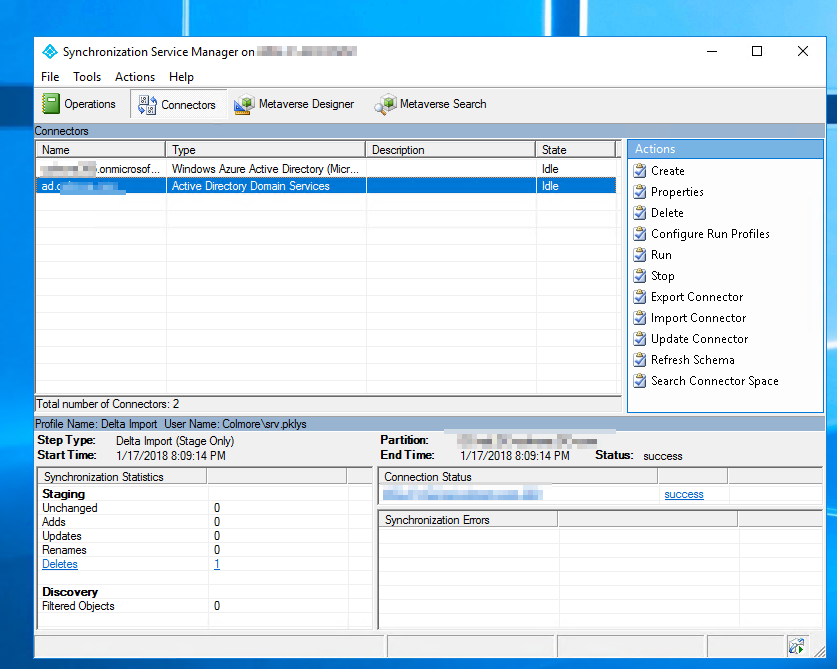
- After delta import synchronization status should show one deletion.
- The user will be removed from the synchronization and will become standard on the cloud user. But before that happens the user may actually be deleted. Don't worry thou, it's easy to fix. Simply go to Deleted Users section and restore the user.
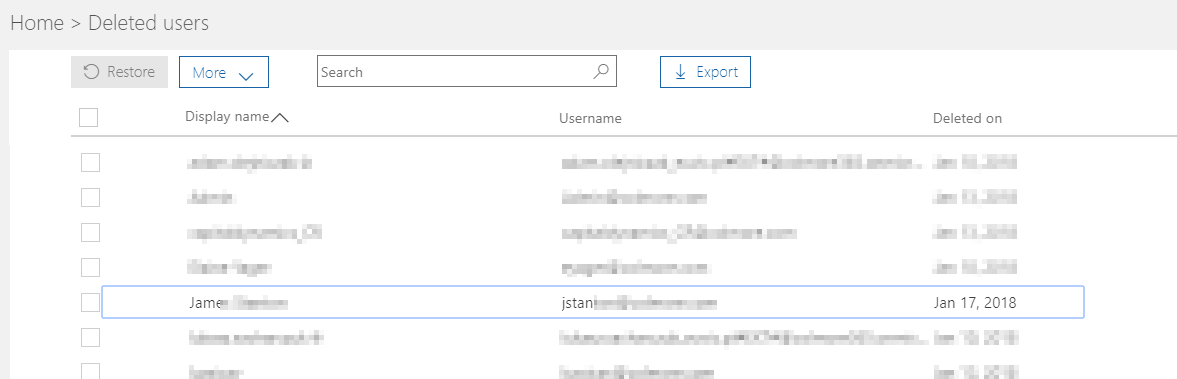
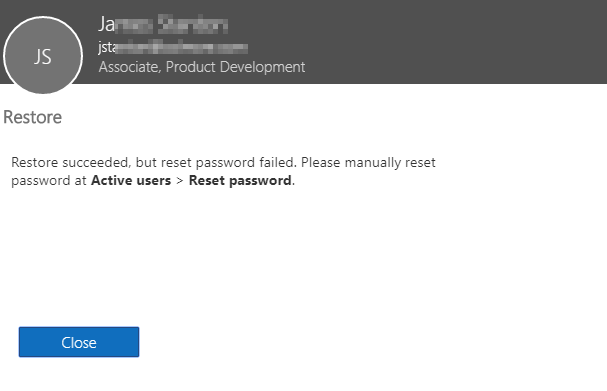
- After pressing restore you may be asked to reset users password. You can ignore this request as when the user will be synced back from AD (using upn softmatch feature – password will be overwritten with the one in AD).
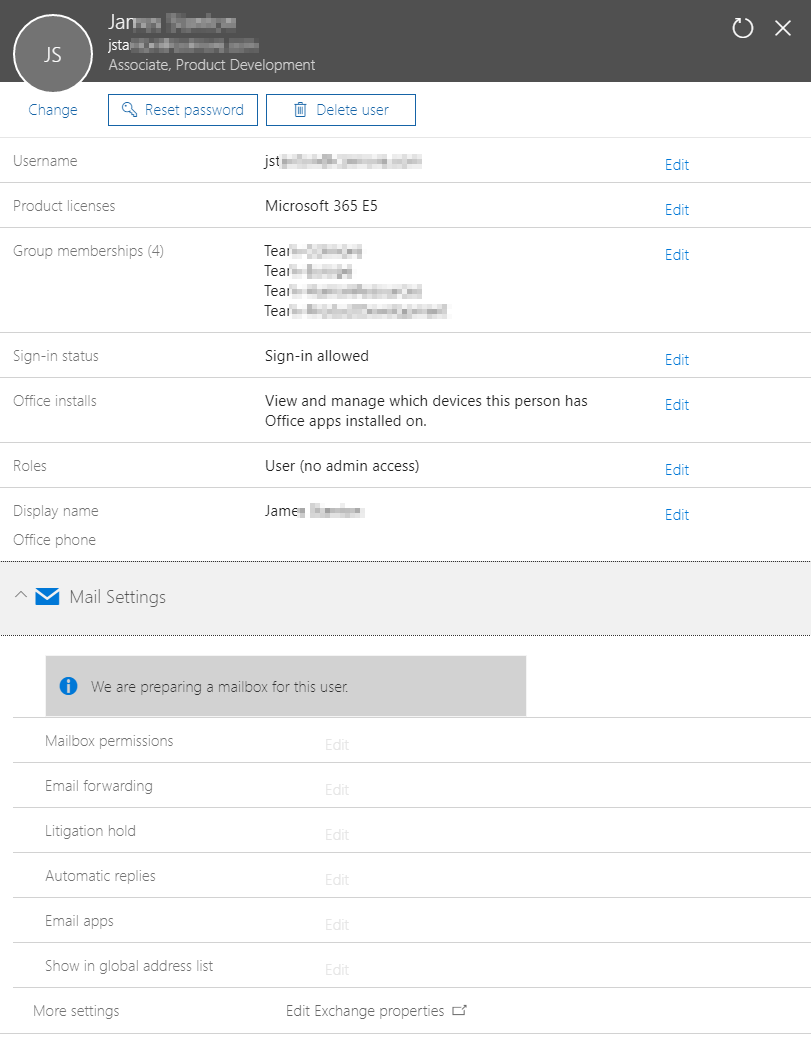
- As you can see below the user is now In cloud.

- However it may take a moment before the user will be fully functional. When the user was deleted a lot of thing got disconnected including mailbox. Since we had license assigned via group membership you may also need to reassign the license so that the Exchange data kicks in.
- After assigning a license and waiting a bit finally one can assign missing onmicrosoft.com email address
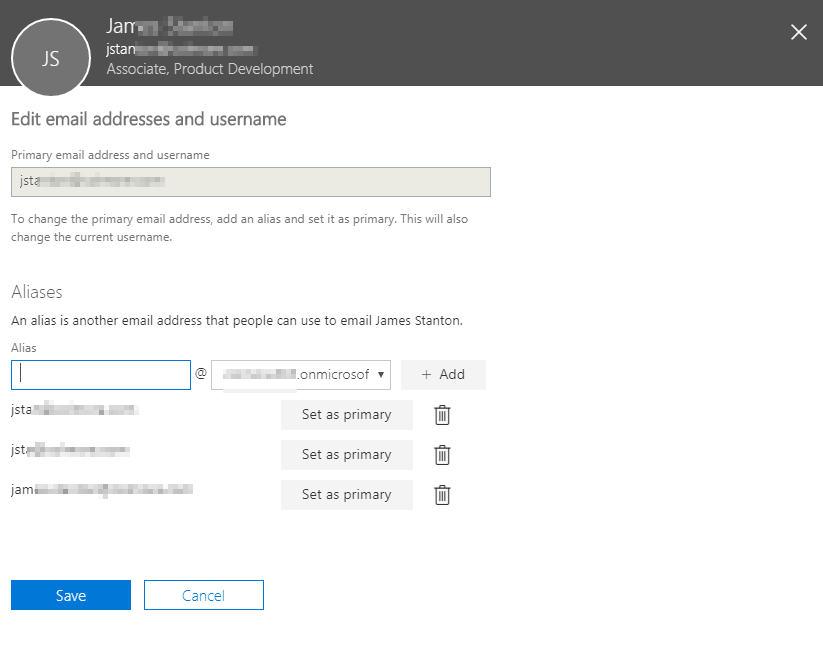
- Final look at user before turning on sync. Onmicrosoft.com address is there.
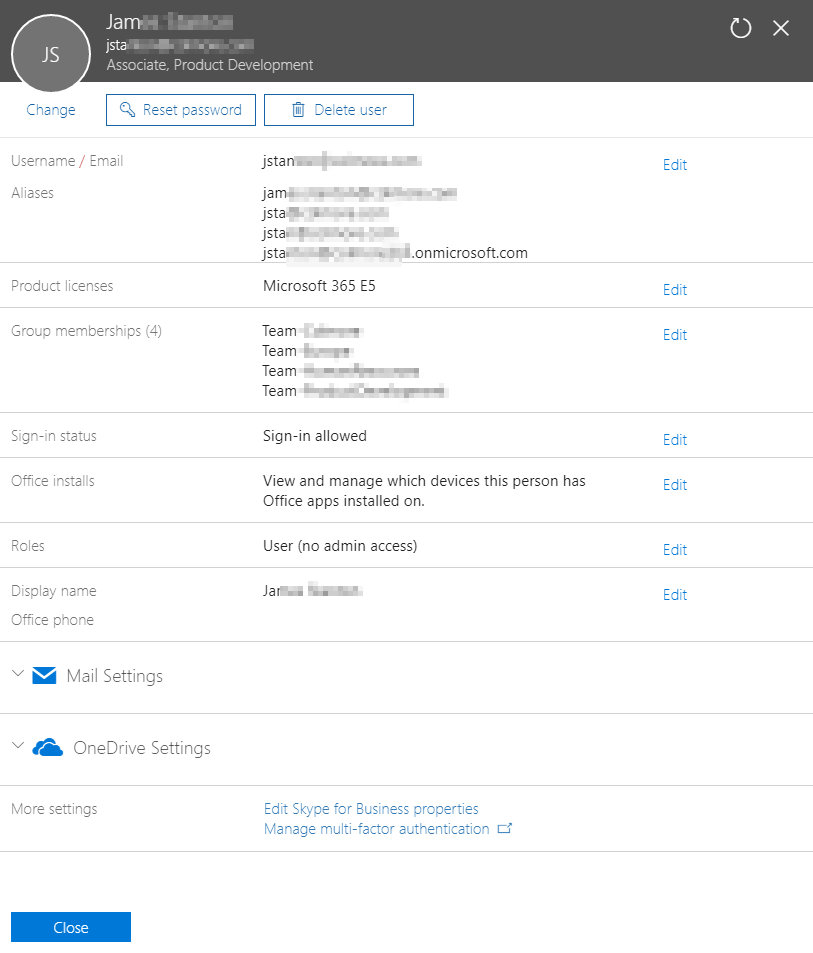
- Now all we have to do is to move user back to the scope of AD Sync and force synchronization (Delta or Initial)
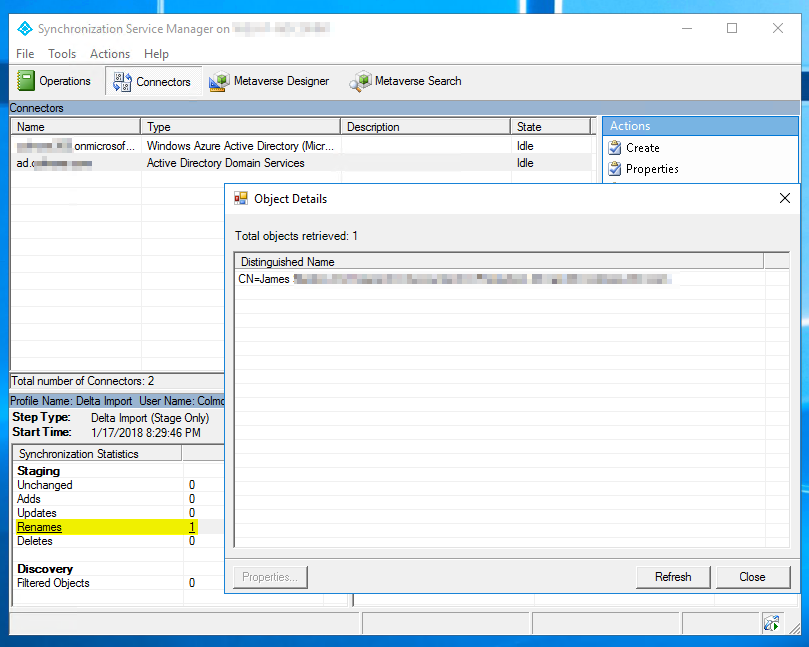
- The user will be added back to synchronization and will be in sync with AD based on UPN softmatch functionality. After the user is synced properly you may need to remove hand given license so that it's only given via group membership (if you're using one).
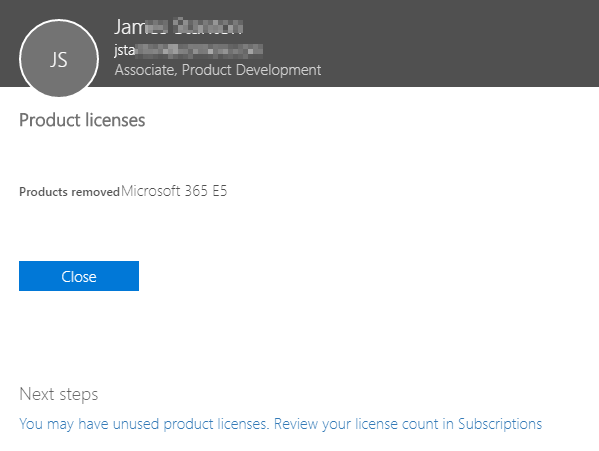
After all this steps the user should have all email addresses in place, including missing onmicrosoft.com email.
📝 Notes
Just in case you're more of powershell guy you can fix sync with simple commands
Import-Module AdSync
Start-AdSyncSyncCycle -PolicyType Delta
