

blog
PowerShell Core – The type initializer for Gdip threw an exception.
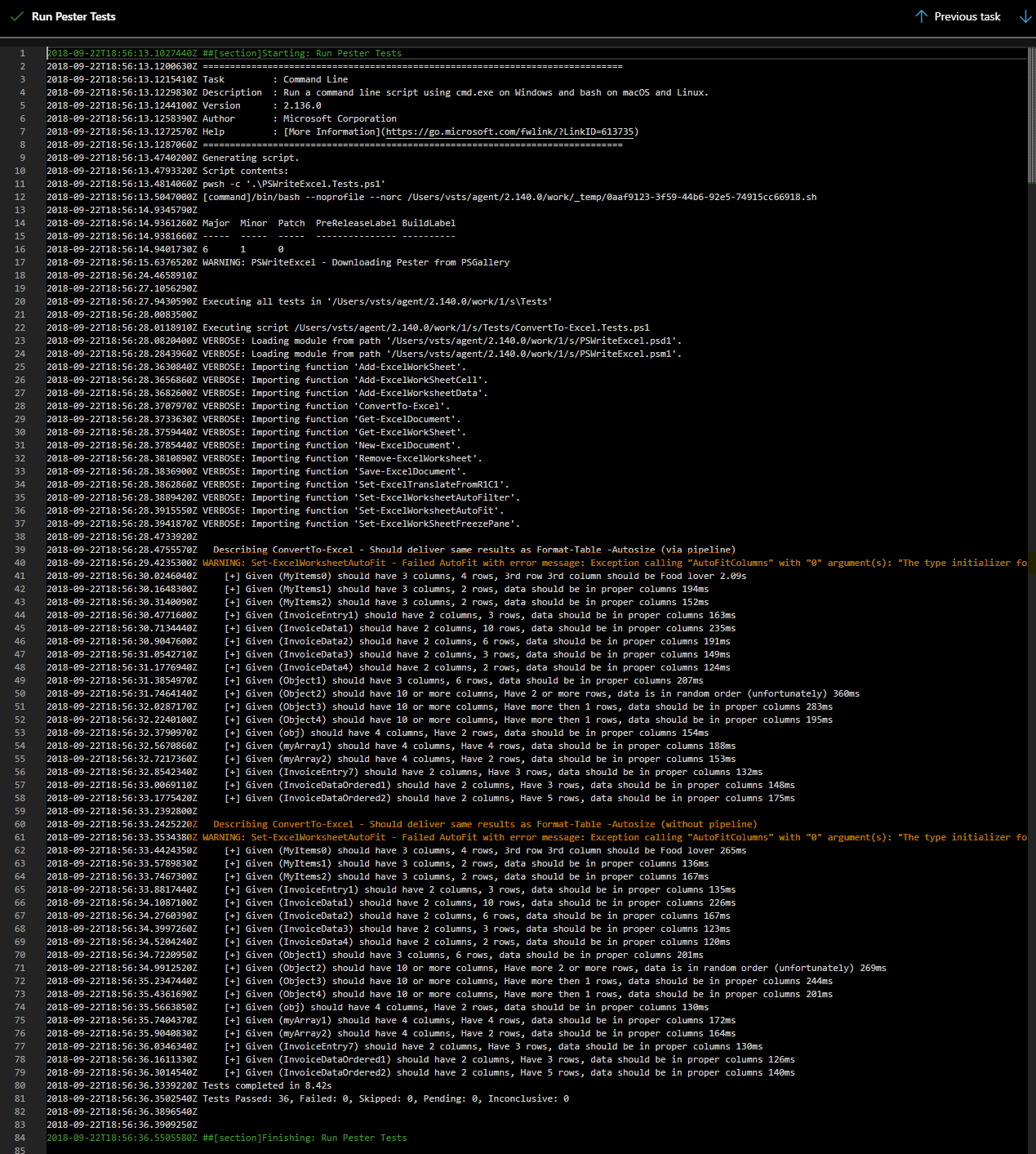
While working on PSWriteExcelon Ubuntu / Mac OS I've noticed that my -AutoFit method for ConvertTo-Excel was crashing. I couldn't reproduce same behavior on PowerShell Core on Windows so it must be something with how Ubuntu / Mac OS deals with it. The error I was getting:
Failed AutoFit with error message: Exception calling “AutoFitColumns” with “0” argument(s): “The type initializer for ‘Gdip' threw an exception.”

It seems the issue is known and reported on GitHub. Until then… you need to work with workaround as below..
💡 How can I fix it?
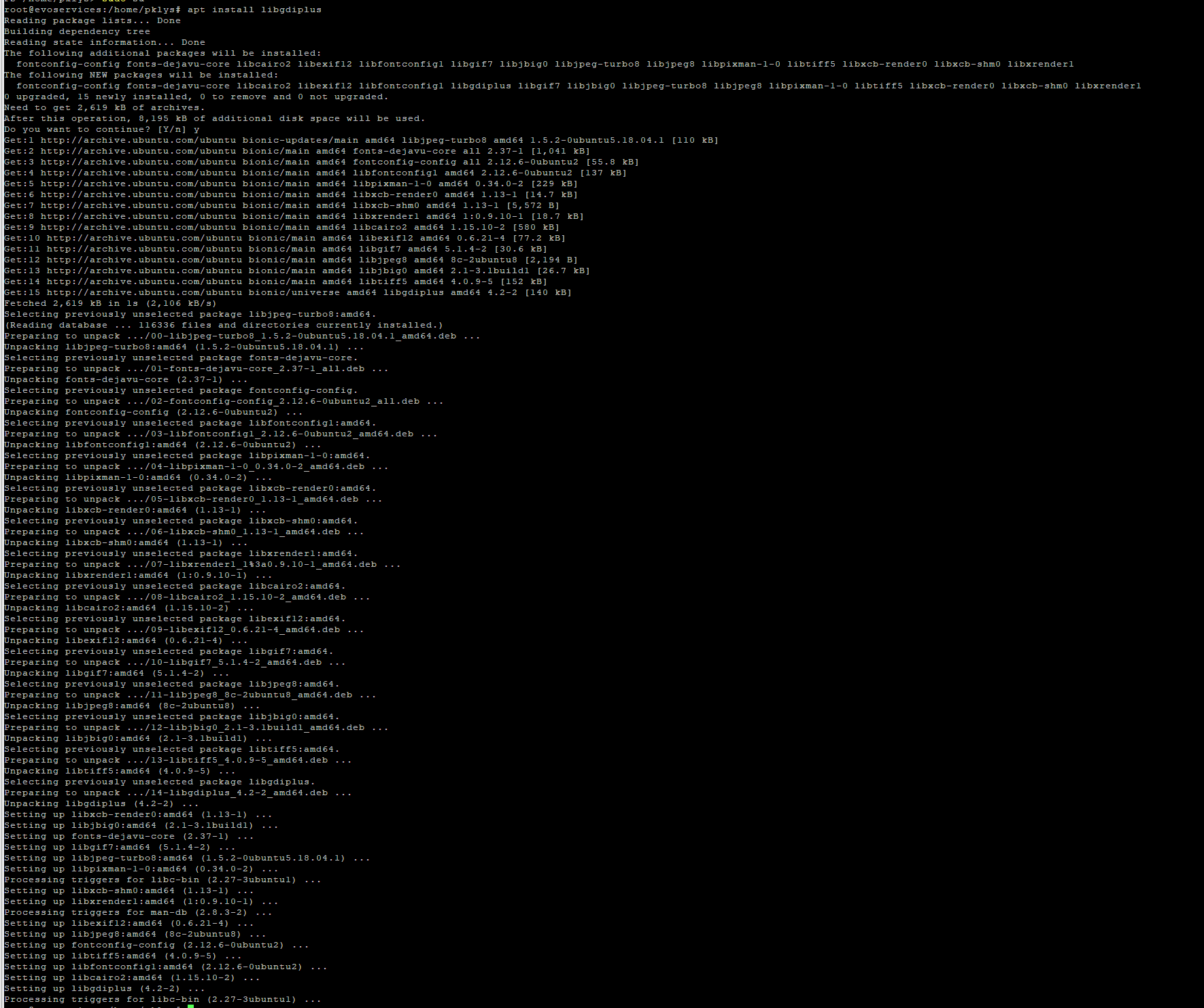
To fix this you need to run following commands and install or update libgdiplus.
apt install -y libc6-dev
apt install -y libgdiplus
On Mac OS it's a almost the same with the difference of using brew
brew install mono-libgdiplus
After this little update.. no more errors

If you're working with Azure DevOps change required to Mac OS looks like this (surprisingly Ubuntu doesn't have this error)
jobs:
  - job: Build_PS_Win2016
    pool:
      vmImage: vs2017-win2016
    steps:
    - powershell: |
        Install-Module -Name Pester -Repository PSGallery -Force -SkipPublisherCheck
        .\PSWriteExcel.Tests.ps1 -Verbose
      displayName: 'Run Pester Tests'

  - job: Build_PSCore_Ubuntu1604

    pool:
      vmImage: ubuntu-16.04

    steps:
    - script: |
        curl https://packages.microsoft.com/keys/microsoft.asc | sudo apt-key add -
        curl https://packages.microsoft.com/config/ubuntu/16.04/prod.list | sudo tee /etc/apt/sources.list.d/microsoft.list
        sudo apt-get update
        sudo apt-get install -y powershell
      displayName: 'Install PowerShell Core'

    - script: |
        pwsh -c '.\PSWriteExcel.Tests.ps1'
      displayName: 'Run Pester Tests'

  - job: Build_PSCore_MacOS1013
    pool:
      vmImage: xcode9-macos10.13
    steps:
    - script: |
        brew update
        brew tap caskroom/cask
        brew install mono-libgdiplus
        brew cask install powershell
      displayName: 'Install PowerShell Core'

    - script: |
        pwsh -c '.\PSWriteExcel.Tests.ps1'
      displayName: 'Run Pester Tests'
If you're working with Travis updated **.travis.yml **looks like this which covers both Ubuntu and Mac OS
language: generic

matrix:
  include:
    - os: osx
      osx_image: xcode9.1
      before_install:
        - brew update
        - brew tap caskroom/cask
        - brew install mono-libgdiplus
        - brew cask install powershell
    - os: linux
      dist: trusty
      sudo: required
      addons:
        apt:
          sources:
            - sourceline: deb [arch=amd64] https://packages.microsoft.com/ubuntu/14.04/prod trusty main
              key_url: https://packages.microsoft.com/keys/microsoft.asc
          packages:
            - libc6-dev
            - libgdiplus
            - powershell

script:
  - pwsh -c 'Install-Module Pester -Force -Scope CurrentUser; .\PSWriteExcel.Tests.ps1'